
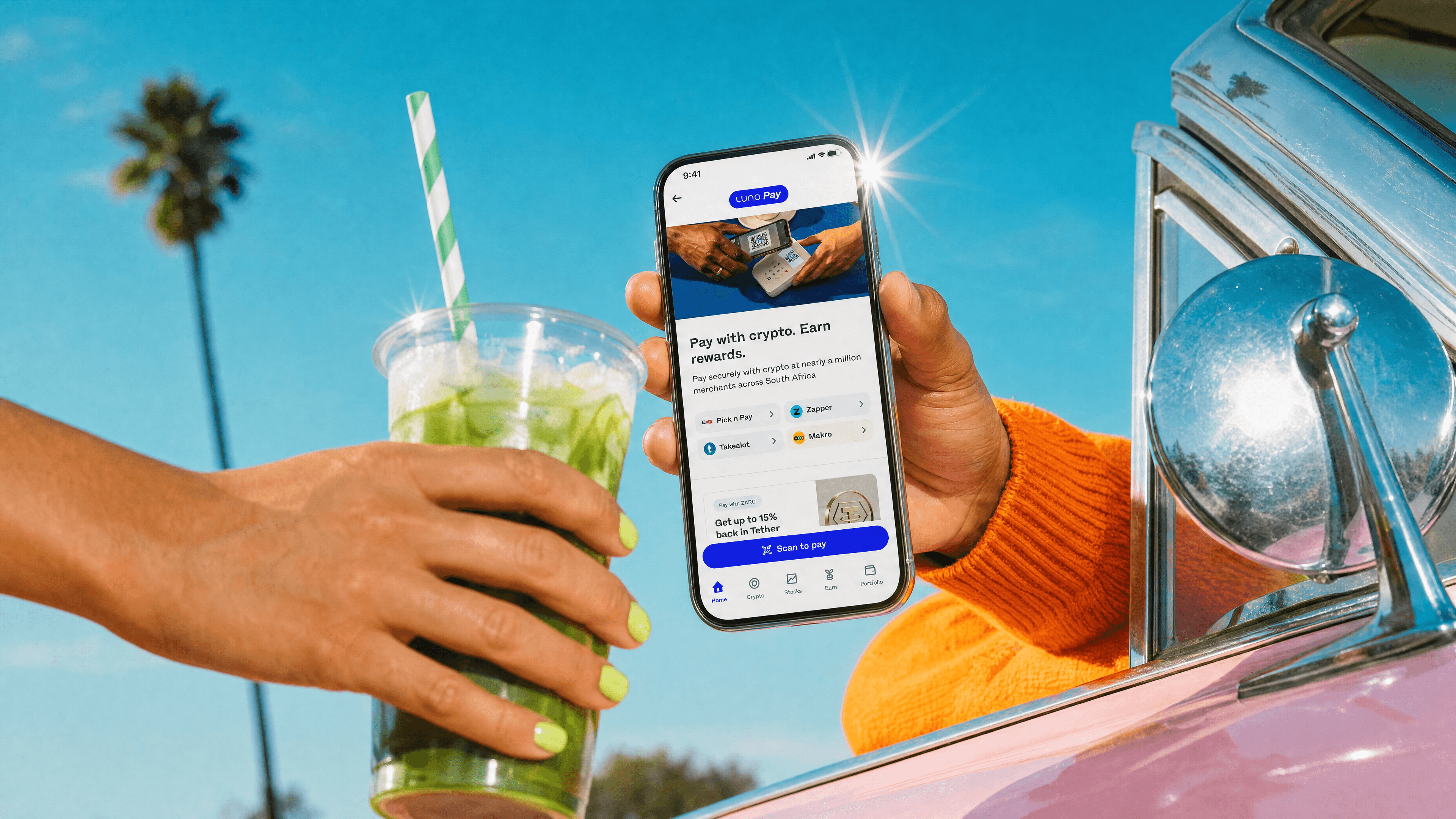
Pay with crypto. Earn rewards.
Use your crypto at close to a million merchants across South Africa.

" height="40px" id="PXVFpAvdc" width="40px"/><path d="M 14.008 11.324 C 17.447 11.324 20.322 10.743 21.024 9.966 C 20.428 9.307 18.27 8.788 15.53 8.646 L 15.53 10.287 C 15.04 10.312 14.53 10.325 14.007 10.325 C 13.485 10.325 12.975 10.313 12.483 10.287 L 12.483 8.646 C 9.744 8.788 7.586 9.307 6.989 9.966 C 7.693 10.743 10.568 11.324 14.007 11.324 Z M 20.119 3.598 L 20.119 5.858 L 15.53 5.858 L 15.53 7.426 C 18.753 7.594 21.172 8.283 21.19 9.107 L 21.19 10.826 C 21.172 11.651 18.753 12.338 15.53 12.506 L 15.53 16.353 L 12.484 16.353 L 12.484 12.506 C 9.261 12.339 6.843 11.651 6.825 10.826 L 6.825 9.107 C 6.843 8.282 9.261 7.594 12.484 7.426 L 12.484 5.859 L 7.895 5.859 L 7.895 3.598 Z M 6.091 0 L 6.091 0.001 C 5.719 0 5.373 0.192 5.175 0.507 L 0.159 8.581 C -0.103 9.001 -0.036 9.546 0.319 9.891 L 13.22 22.483 C 13.64 22.891 14.309 22.891 14.73 22.483 L 27.647 9.873 C 27.994 9.537 28.066 9.007 27.823 8.59 L 23.13 0.532 C 22.938 0.202 22.584 0 22.199 0 L 6.091 0 Z" fill="rgb(255, 255, 255)" height="22.789359568674996px" id="XtrA7qZ4M" transform="translate(6.017 10.105)" width="27.965863568447507px"/></g></svg>)
Rewards
Fast
Easy
Whether it’s for dinner, weekly groceries, or online shopping, pay with crypto for everyday purchases using Luno Pay.














Spend digital rands, earn digital gold on every payment, instantly in your wallet.


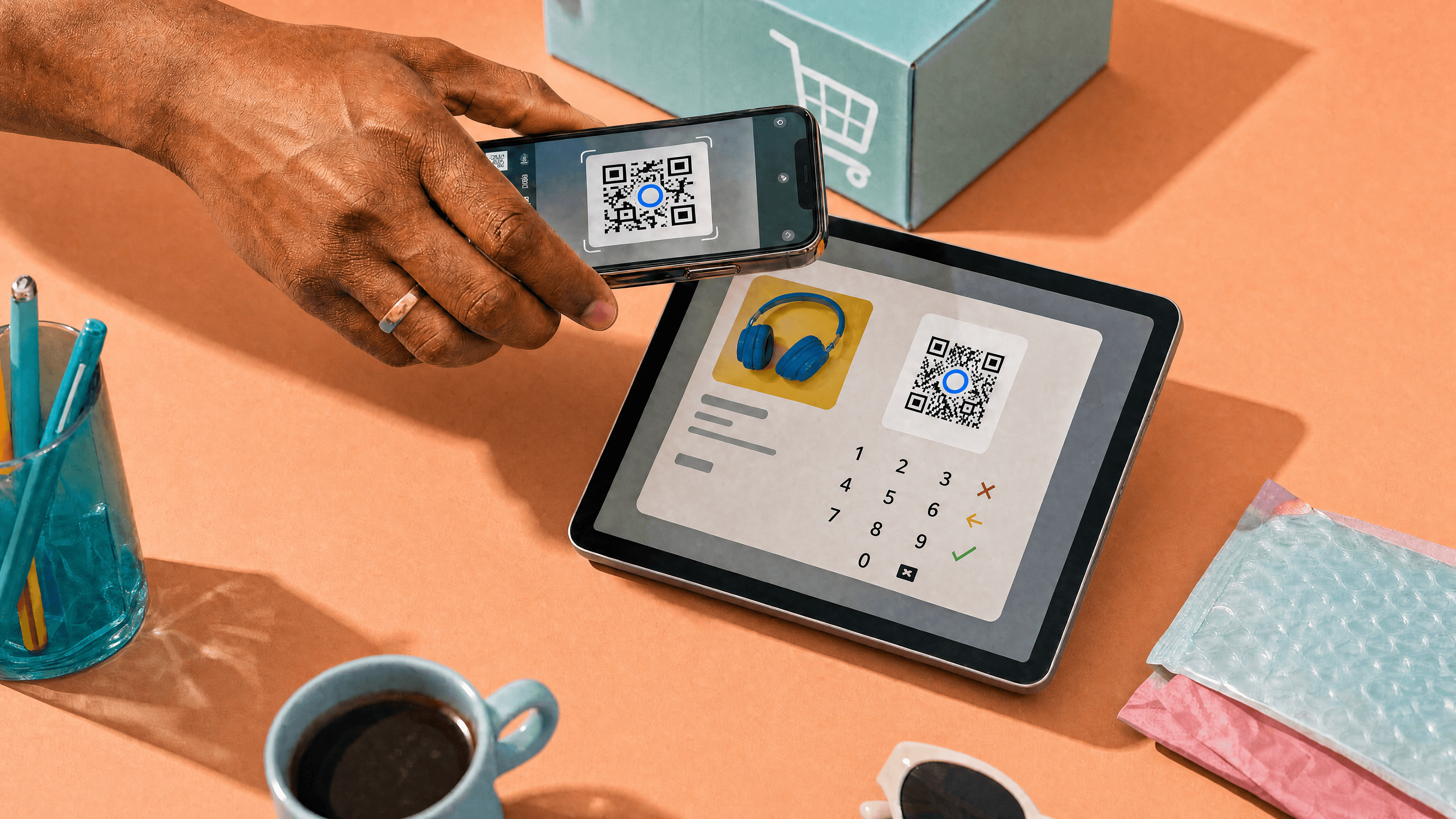
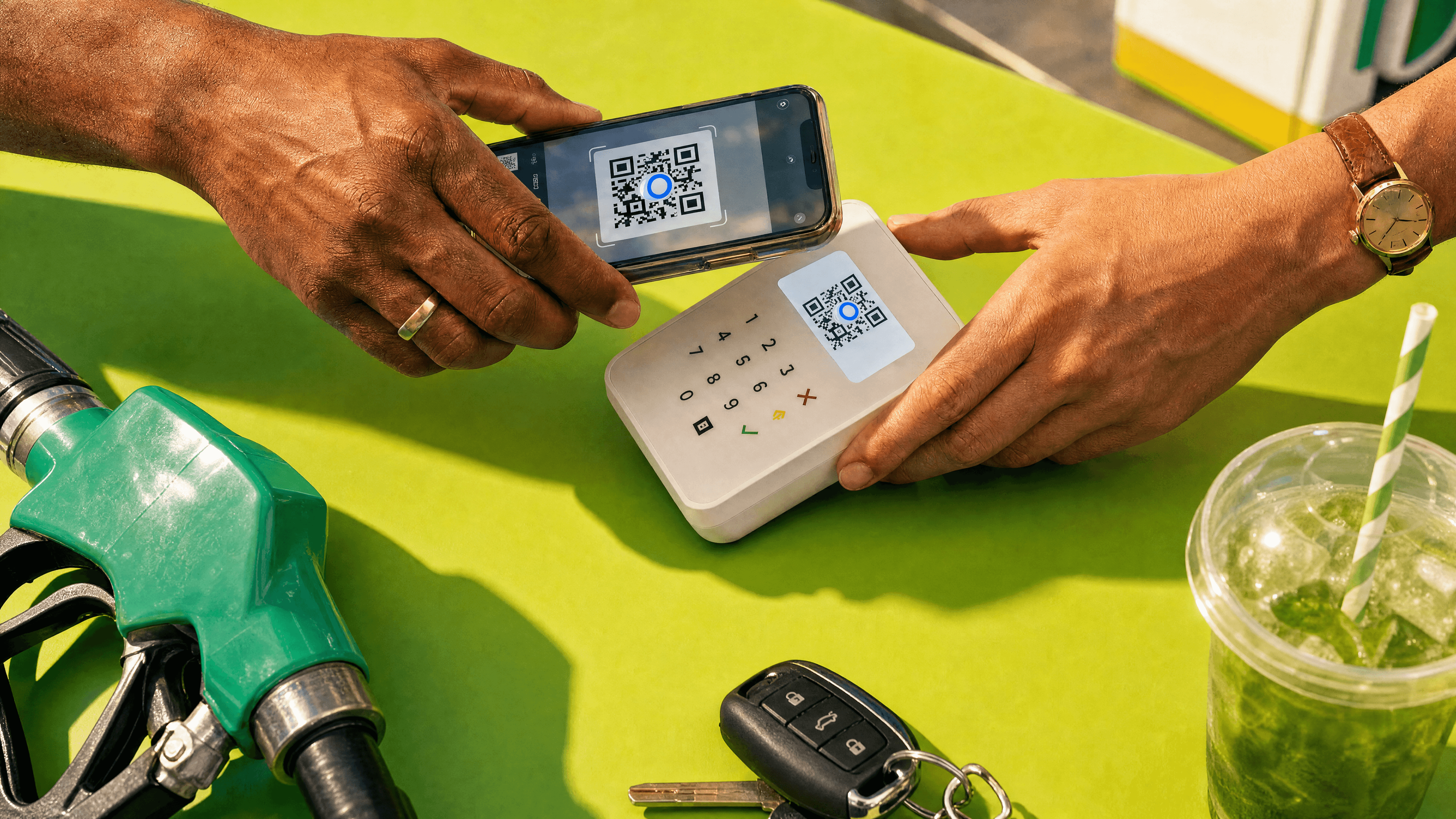
Pay with crypto in seconds
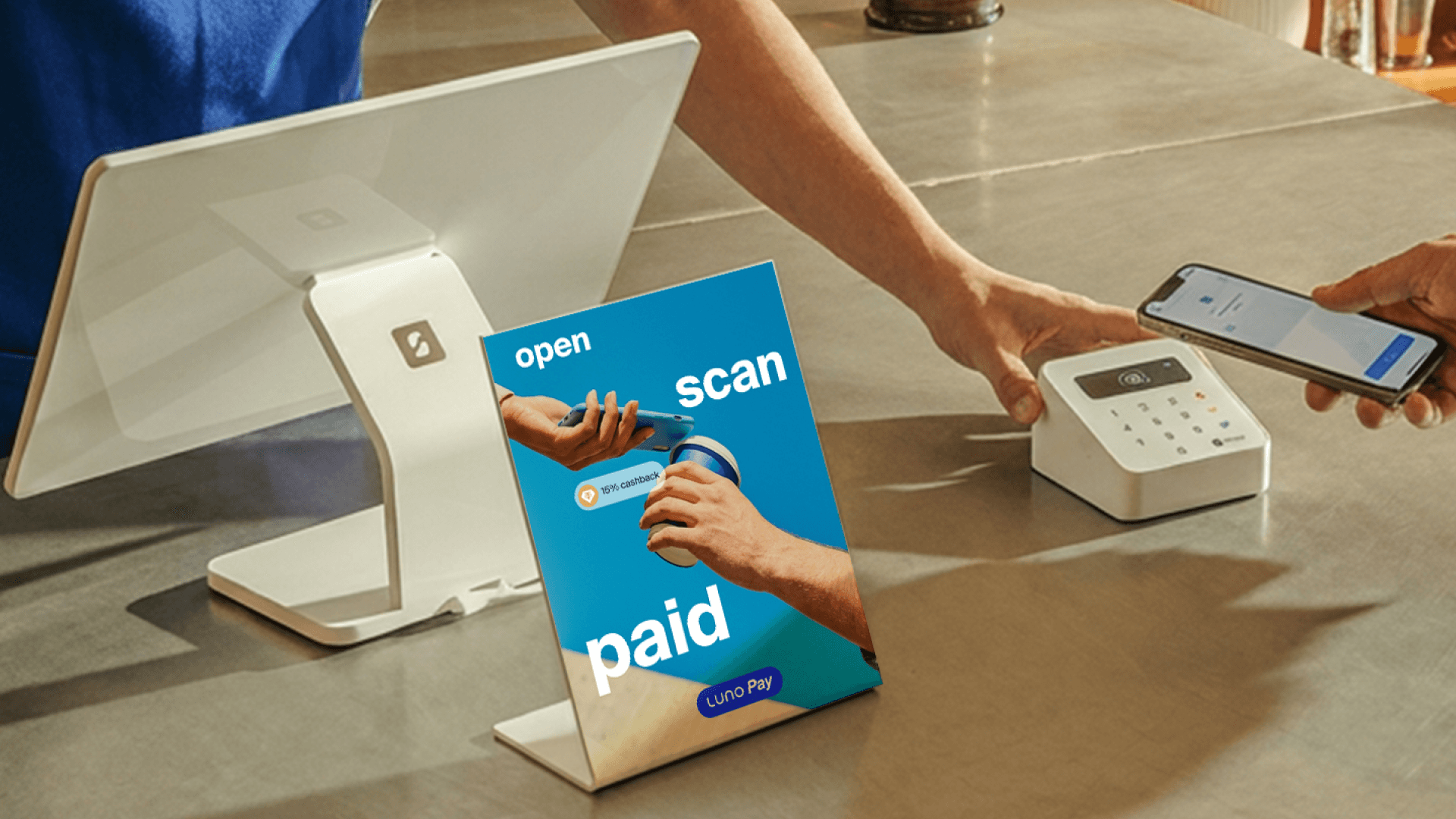
Use Luno Pay at the till or when checking out online.
Step 1
Step 2
Step 3
Step 4
Find a payment QR code
Online: Select "Scan to Pay" or "Pay with crypto" at checkout.
In store: Ask for a QR code at the till.



Powered by







Frequently asked questions
Everything you need to know about paying with crypto in South Africa.
Are there any fees or limits on Luno Pay transactions?
Luno Pay is free to use. There are no transaction fees when paying merchants with your crypto. Minimum and maximum payment limits may apply depending on the merchant and the asset used.
Do I need to enable crypto sends first?
Yes. To use Luno Pay you'll need to have crypto sends enabled on your Luno account. You can enable this in your account settings within the Luno app.
How does Luno Pay work?
Luno Pay is built directly into the Luno app. Open the app, tap Scan under More, point your camera at the merchant's QR code, choose the crypto asset you want to pay with, and confirm. The payment completes in seconds.
How long do Luno Pay payments take?
Luno Pay payments are processed instantly. Once you confirm the transaction in the app, the merchant receives confirmation within seconds, just like a card payment.
What are the tax implications when I pay for goods with crypto in South Africa?
If you pay with ZARU, there may be no tax liability - because ZARU is pegged to the South African rand, a disposal may not result in a capital gain against ZAR. If you pay with other crypto assets such as BTC or ETH, SARS may treat the payment as a disposal event, which could trigger capital gains tax or income tax. Tax treatment varies by individual circumstance. Luno does not provide tax advice and cannot be held responsible for any tax implications arising from your transactions. We recommend consulting a tax professional for advice specific to your situation.
What happens if I need to return an item or get a refund?
Refund policies are set by the individual merchant. If a refund is approved, the merchant can process it directly to your Luno wallet, or according to their standard refund policy. Contact the merchant directly to initiate a return or refund.
Where can I use Luno Pay in South Africa?
Luno Pay works at nearly a million merchants across South Africa, including Pick n Pay, SPAR, Dis-Chem, Wimpy, Food Lover's Market, OneDayOnly, Spur, Yuppiechef, iStore and many more.
Which cryptocurrencies can I pay with at South African merchants?
You can pay with ZARU, USDT, and other supported crypto assets held in your Luno wallet. Pay with ZARU and earn 15% back in Tether Gold (XAUT). Pay with any other supported crypto and earn 5% back in XAUT. The full list of supported assets is in the Luno app.